



Share this
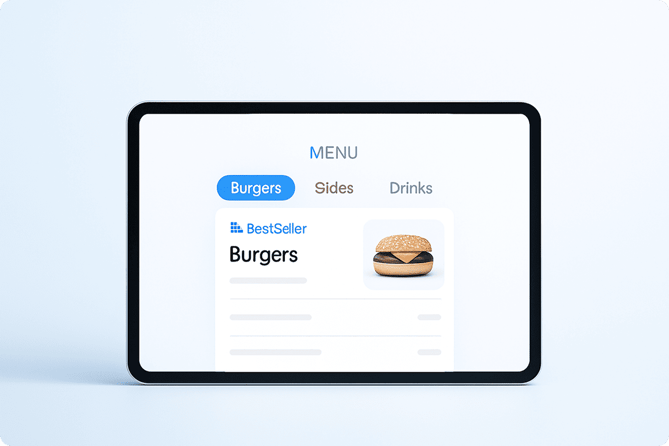
Customer behavior has changed — your menu needs to catch up.
Every week, thousands of online customers open a restaurant’s menu… and disappear before adding anything to the cart.
When we analyzed behavior across Ordering, one trend became impossible to ignore:
Up to 32% of customers leave before choosing their first item.
Not because the food is expensive.
Not because delivery takes too long.
Not because they changed their mind.
They leave because they simply can’t find what they want fast enough.
And this is exactly where 80% of restaurants are losing money without realizing it.
The Real Problem Isn’t the Menu… It’s the Menu Layout
Customers today navigate digital menus the same way they scroll through Instagram:
Fast. Impulsive. Zero patience for friction.
So when your menu:
- has too many steps
- is confusing to scan
- hides top sellers
- looks outdated
- forces the customer to “think”
And unfortunately, this is the case for most restaurants.
What Customers Hate (Data-Proven)
Based on real Ordering usage data, these are the three patterns that trigger customer abandonment the most:
❌ 1. Too Many Steps to Find Anything
If customers need more than 2 taps to understand where their favorite item lives…
They bounce.
Modern customers expect ultra-clear navigation:
- Clear categories
- Logical grouping
- No clutter
- No guesswork
❌ 2. Confusing Layout
This kills conversions faster than high prices.
A confusing menu layout creates:
- cognitive overload
- hesitation
- frustration
- decision fatigue
❌ 3. Missing Best Sellers on Page 1
This one is brutal.
If your top-performing items are hidden — even a little — customers assume you don’t offer them.
And you lose:
- impulse purchases
- upsell opportunities
- repeat customers
Best sellers must always be at the top.
This alone increases conversions more than any discount ever will.
Why Menus Fail (The Psychology Behind It)
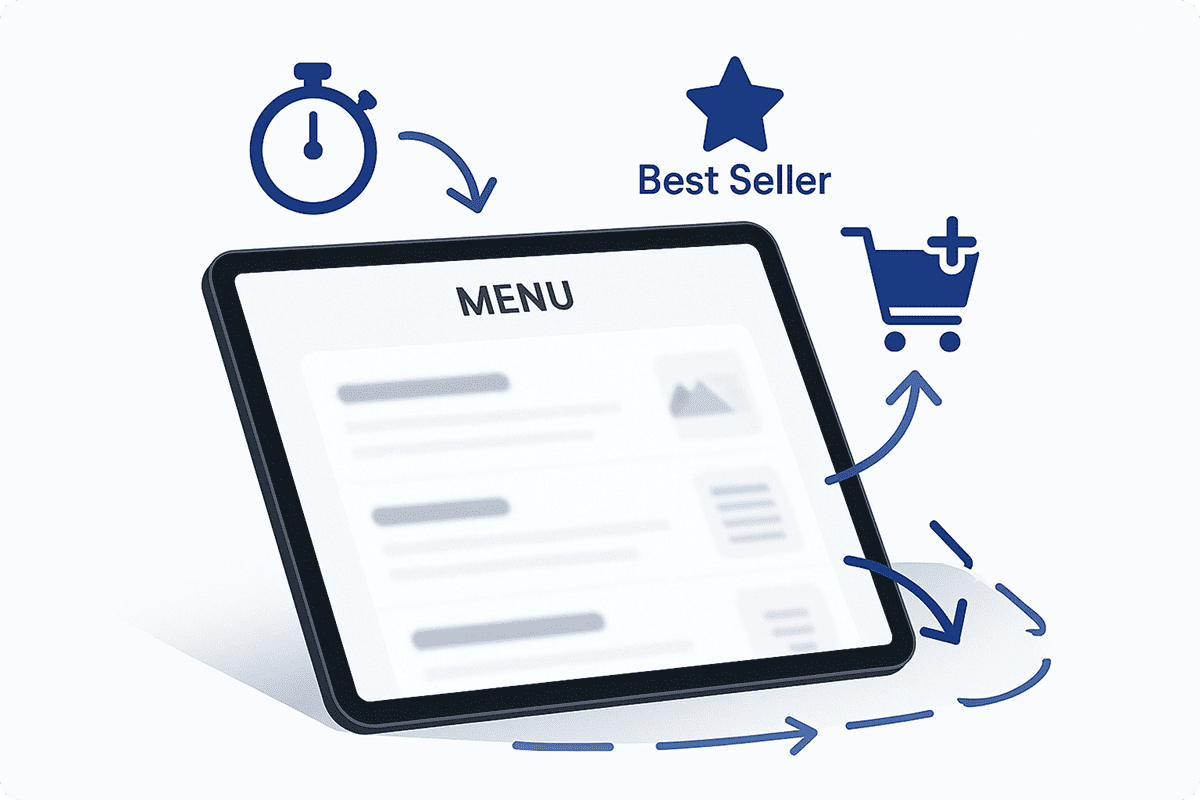
Online ordering is no longer a “sit and think” moment.
It’s a scroll and pick moment.
Fast. Visual. Familiar.
Customers behave like this:
- Scan categories in 1–2 seconds
- Look for best sellers
- Look for images
- Add to cart
- Checkout
So when your menu layout forces them to slow down…
You lose them.
⚡ The Good News? This Is Fixable in Less Than 48 Hours
Most menu optimization issues require:
- zero redesign
- zero engineering
- zero new tools
They require structure, not new features.
Restaurants that fix these fundamentals see immediate improvements:
- Higher conversion rate
- More add-to-cart events
- Higher average order value
- Fewer drop-offs
- More returning customers
Small layout changes → massive revenue impact.
🧪 Real Example: A Franchise Increased Conversions by 26%
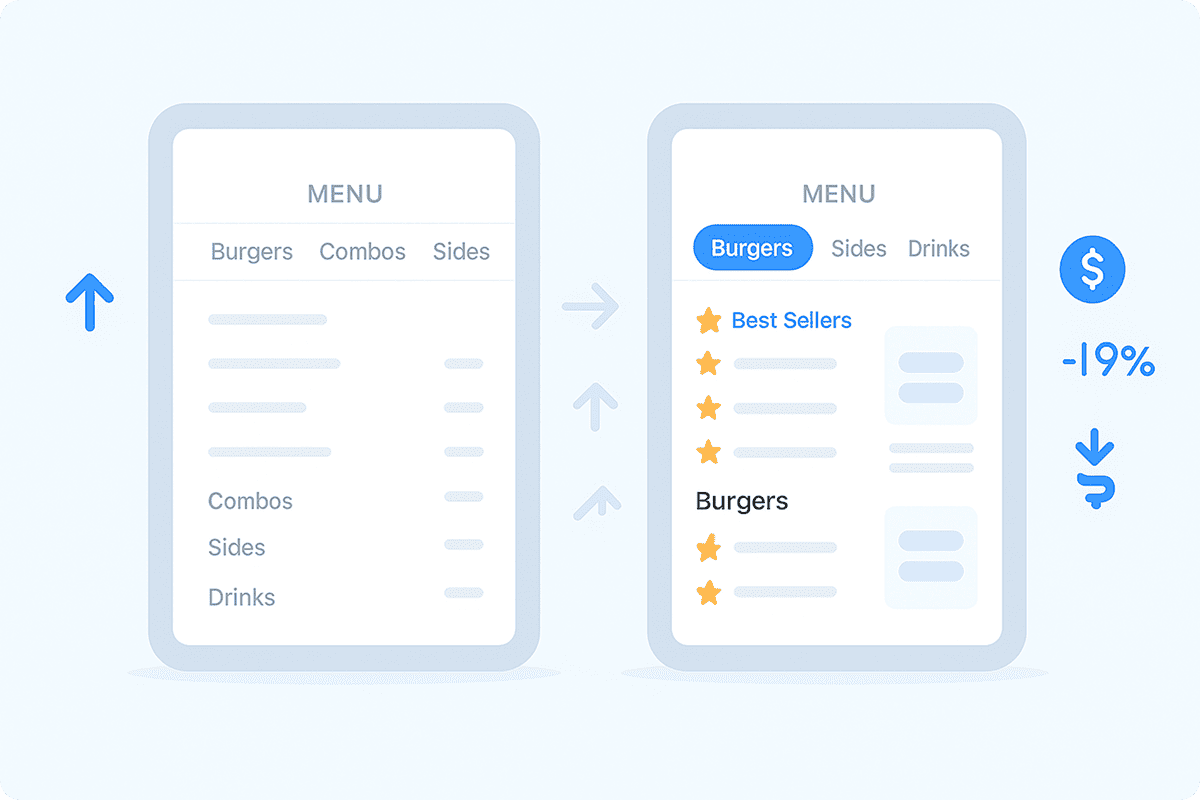
One of the brands using Ordering adjusted only two things:
- moved their best sellers to the top
- reorganized items into simpler categories
They didn’t redesign their website.
They didn’t add marketing spend.
Result:
📈 +26% more successful orders
📉 -19% menu abandonment
💰 +$9–$22 extra revenue per order window
This is why menu optimization matters more than discounts or promotions.
🔧 How to Fix Your Menu (Step-by-Step)
Here is the same framework we use with enterprise brands:
1. Simplify Categories
Aim for 3 to 6 categories max.
Everything else goes inside each category.
2. Prioritize Best Sellers
Top 3–5 best sellers need to be always visible at the very top.
They convert better than:
-
discounts
-
popups
-
loyalty points
They are the closest thing to guaranteed revenue.
3. Add Visual Hierarchy
Use spacing, grouping, and white space so the customer instantly knows “where to look.”
4. Use Images Strategically
Not every item needs an image,
but your highest-margin items always should.
5. Make the First 5 Seconds Count
If your menu doesn’t “feel obvious,”
your customer will scroll away.
📘 Want the Full Framework? Download the Free 7-Day Audit
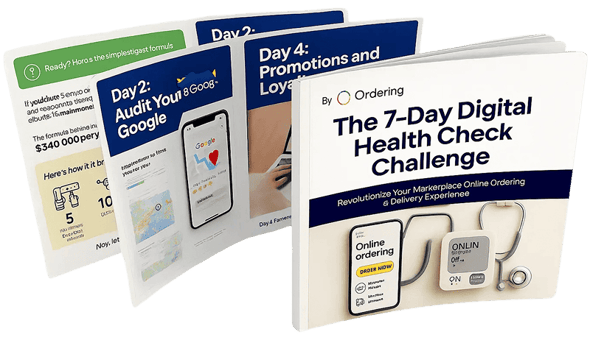
We built a full optimization guide used by franchises and high-volume brands:
👉 Fix Your Digital Ordering in 7 Days – Free PDF
Includes:
-
Menu layout audit
-
UX improvements
-
Ordering flow optimization
-
Delivery performance fixes
-
Payments + checkout optimization
-
Loyalty + retention strategies
Download it here:
https://www.ordering.co/7-day-digital-health-check-challenge-download
🚀 Final Thoughts
You don’t need a new menu.
You need a clearer, faster, and more intuitive one.
Fixing these layout mistakes is the quickest way to:
- Increase sales
- Reduce customer abandonment
- Improve repeat orders
But after today… you won’t be one of them.